¶ 💡 Compatibility
This article applies to the following device and software. Please note when referencing:
- Machine model: U1
¶ 📝 Issue Description
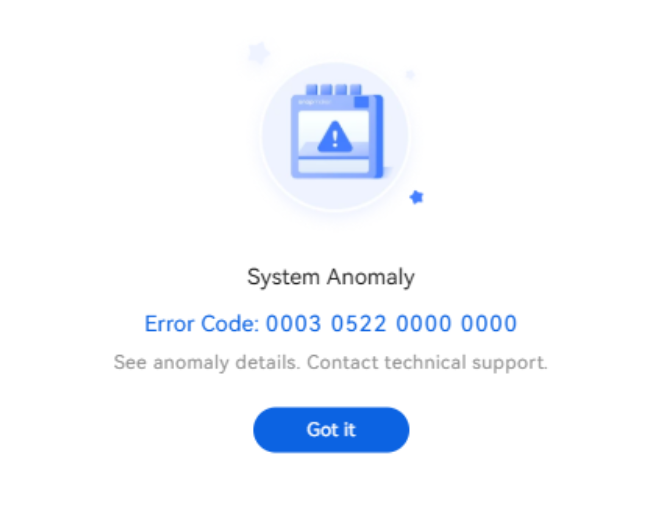
The touchscreen displays a system anomaly message: “System Anomaly. See anomaly details. Contact technical support.” The following error codes appear on the screen:
- 0003-0522-0000-0000
- 0003-0522-0000-0002
¶ 🔎 Possible Causes
The issue may be caused by accumulated server messages, and we will resolve it by optimizing the server.
¶ ✅ Solution
¶ Scenario 1 “0003-0522-0000-0000”:
When the screen displays the error code “0003-0522-0000-0000,” this issue does not affect printing operations. If this error occurs, users may click “Confirm” to continue printing.
¶ Scenario 2 “0003-0522-0000-0002”:
You can follow this guide to update the firmware: U1 Firmware Update Procedure Via USB Flash Drive
If the problem still persists, please export the machine logs and contact Snapmaker Support.
¶ 💬 Reach out to Snapmaker Support
After following the troubleshooting steps, if you find it difficult to resolve your issue, kindly submit a support ticket through https://snapmaker.formcrafts.com/u1-troubleshooting-request and share your troubleshooting results with some pictures/videos. Our dedicated support team will be more than willing to assist you in resolving the issue.