¶ Compatibility
This article applies to the following model and module. Please take note when referencing:
Model: U1
¶ 📝 Issue Description
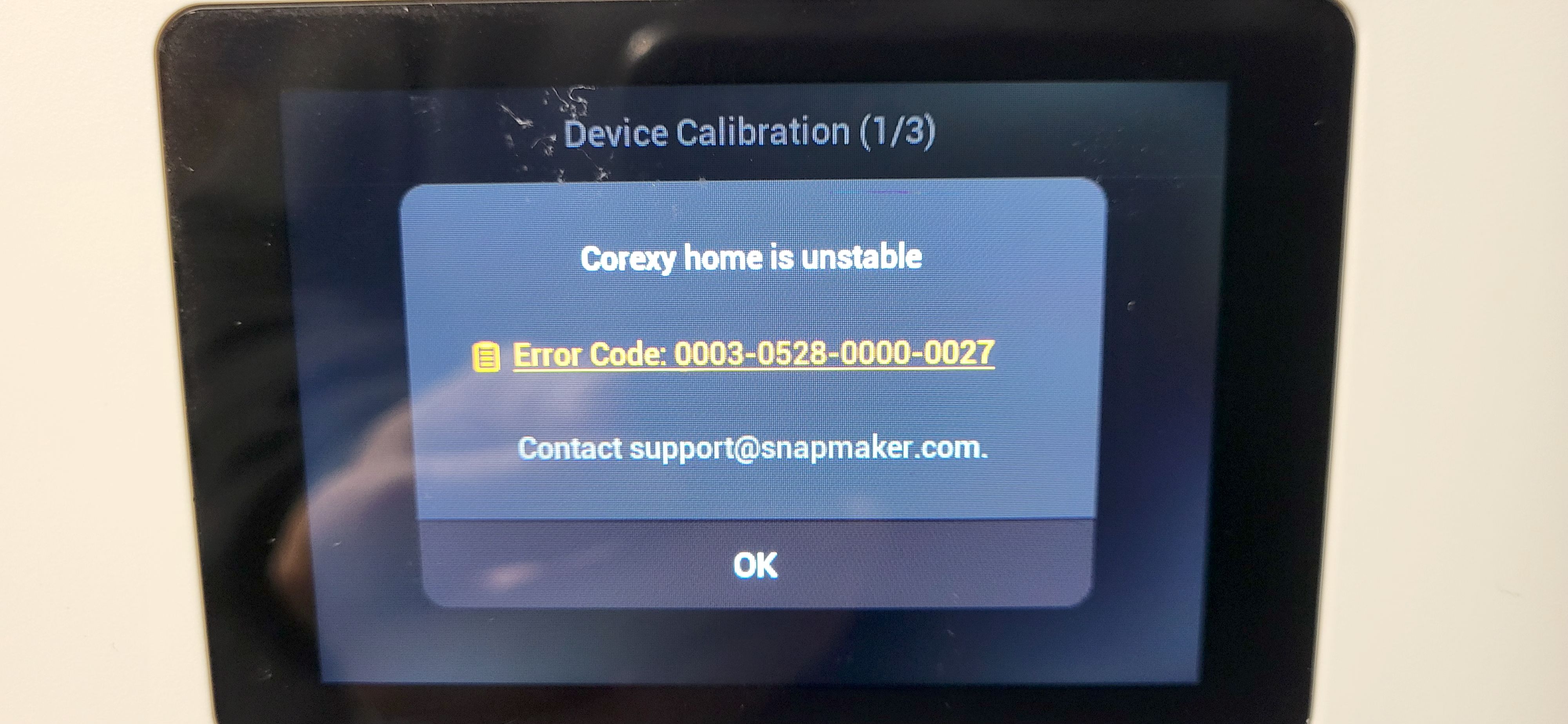
Error message on touchscreen:
| Tittle | Error code |
|---|---|
| Corexy home is unstable | 0003-0528-0000-0027 |
| Homing Calibration Failed | 0003-0530-0000-0027 |
¶ ✅ Solutions
(1) Hold and press the top-left corner of the touchscreen (at least 6 seconds) to skip the initial setup.
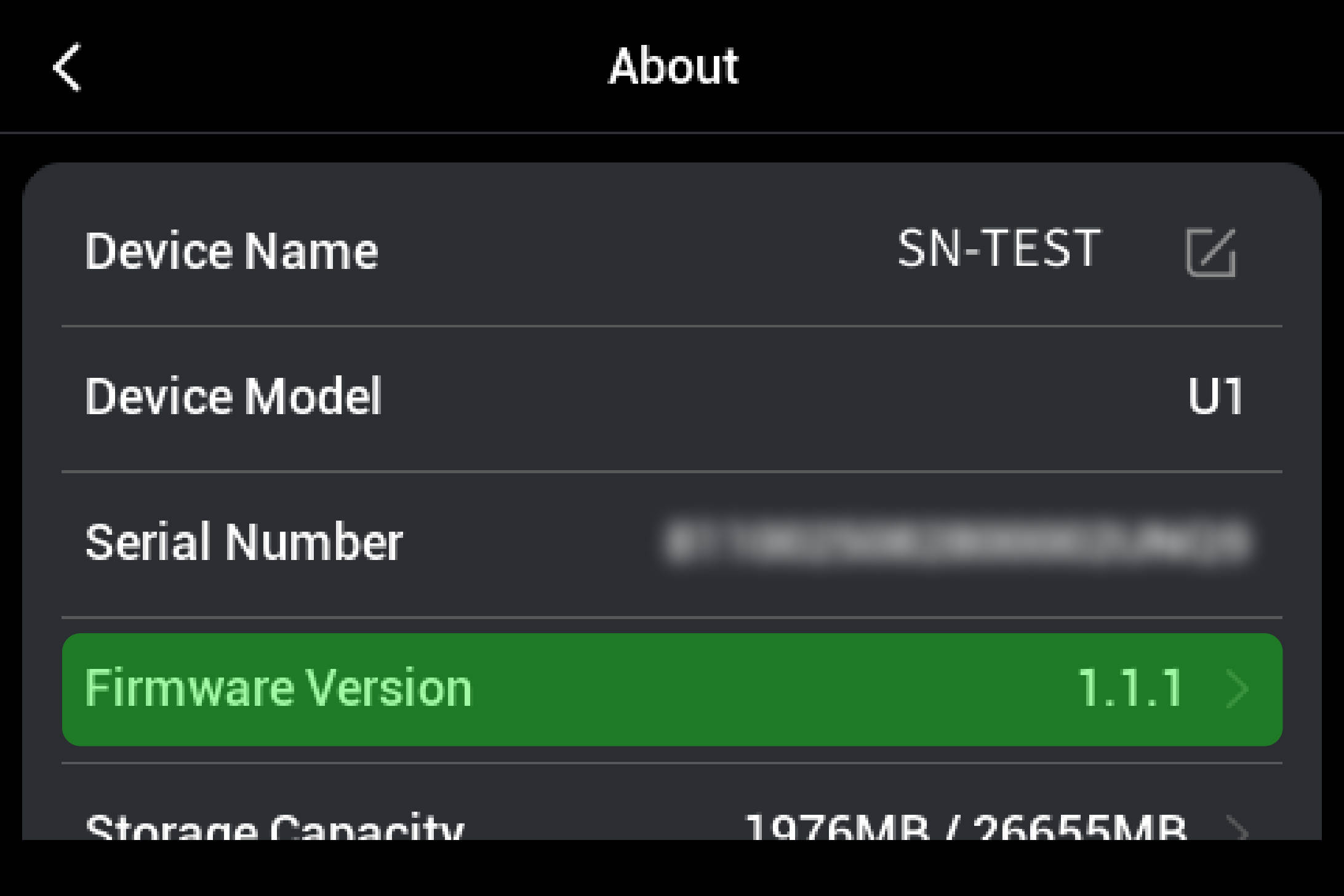
(2) Connect your machine to Wi-Fi and upgrade the firmware to the latest version. (Settings—About)
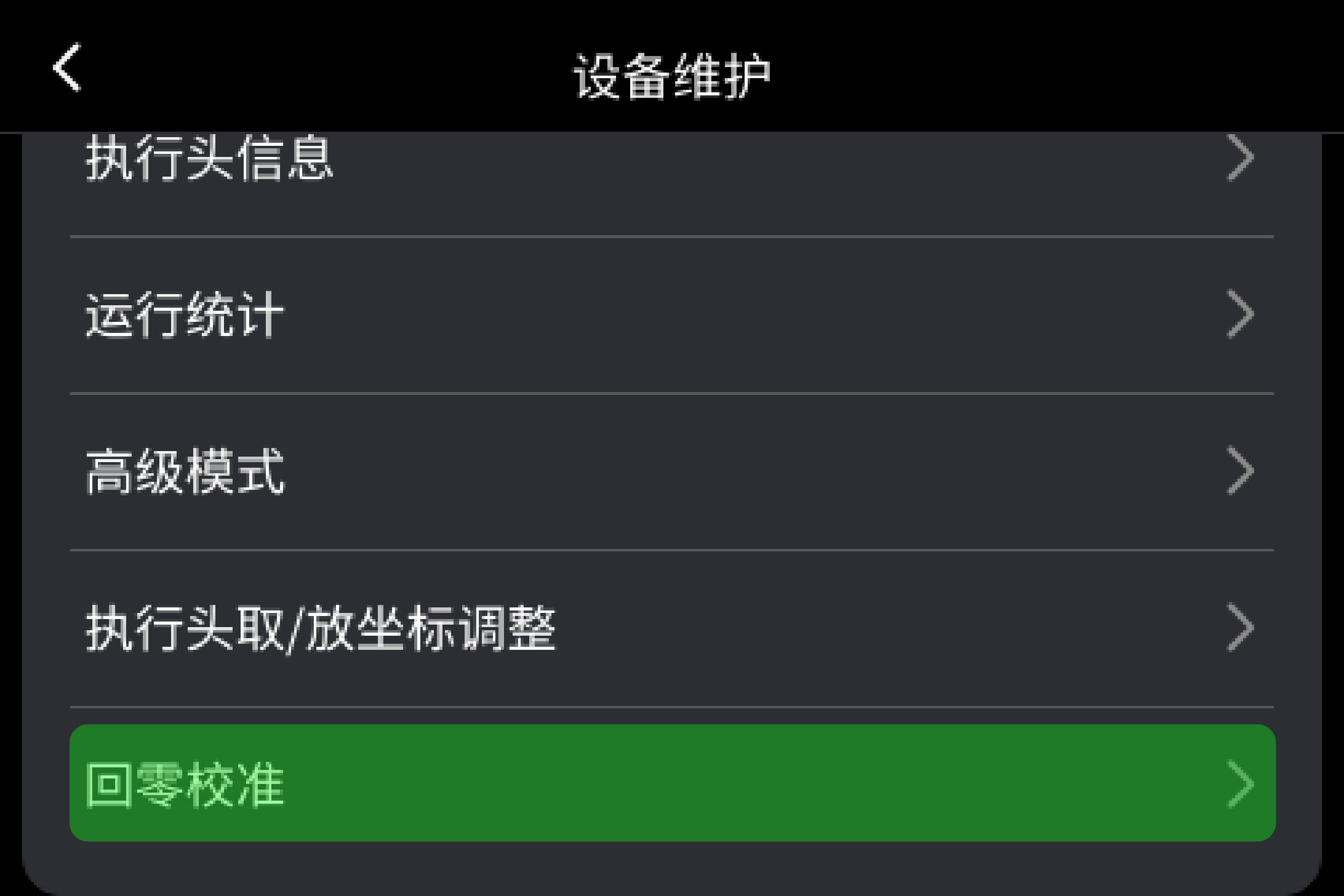
(3) Perform the Homing Calibration (Settings—Maintenance)
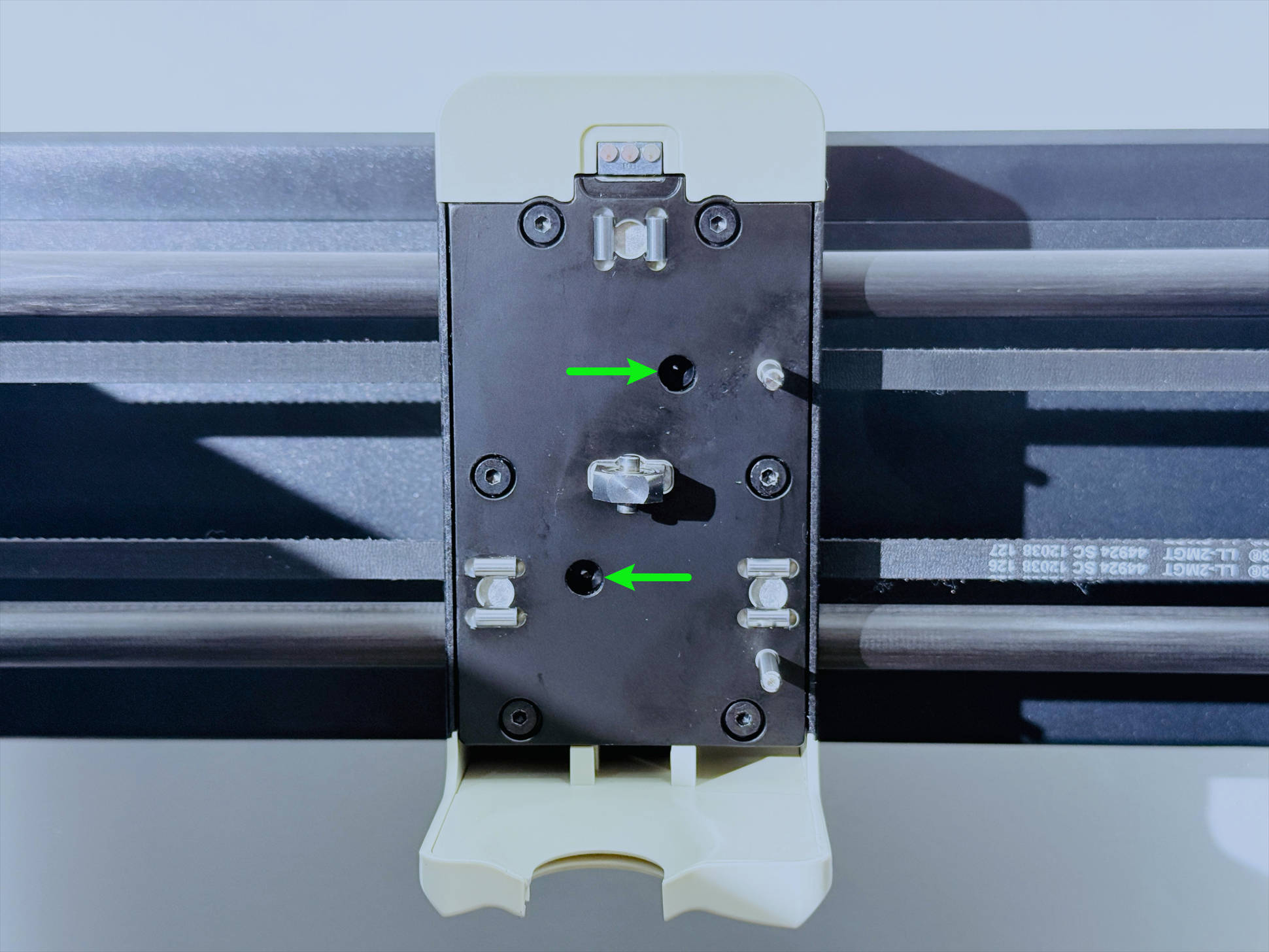
If any toolhead is still in the attached state and calibration cannot be performed, please refer to U1 How to manually detach the toolhead
When tightening the screws in this area, please avoid over-tightening. Stop once you feel a noticeable increase in resistance (torque).
(4) If the issue has been resolved, please re-perform the Device Calibration that was skipped earlier. (Settings—Device Calibration)
¶ 💬 Reach out to Snapmaker Support
If the issue remains unresolved after following the steps above, please submit a support ticket via the Snapmaker App. Attach your troubleshooting results along with relevant pictures or videos for our technical support team. We are here to help.