For rigid filaments such as PLA and PETG, the Auto Unloading mode is recommended.
For flexible filaments such as TPU, please refer to Manual Unloading.
- On the touchscreen main interface, navigate to the Filament page. Tap
Unloading Mode. Select all toolheads requiring unloading, then tapUnload.

- The printer will extract the selected toolhead and automatically heat the nozzle. Once the nozzle reaches the target temperature, the extrusion gears will retract the filament upwards, completing the unloading process.
- The printer will sequentially unload the filament from the other selected toolheads. Once all unloading is complete, tap
OK.
- Rotate the spool to retract the filament from the tube until the white indicator light on the corresponding feeder turns off.
- Thread the end of the filament through the two locking holes on the spool to prevent loosening or tangling.
- Remove the spool from the spool holder.
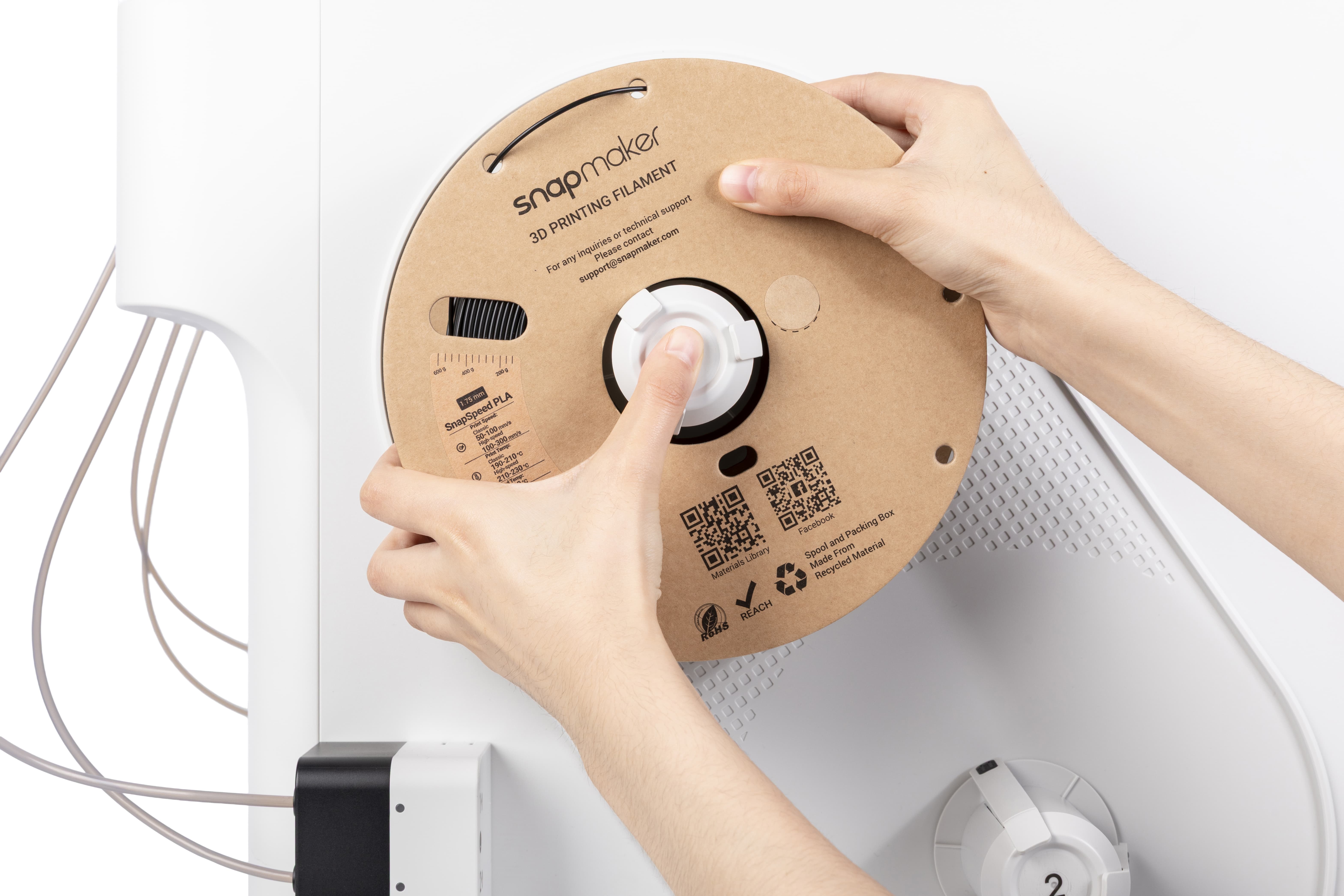
- Repeat the steps above until all intended filaments have been successfully retrieved.