¶ 💡 Compatibility
This article applies to the following models. Please note when referencing:
Model: U1
¶ 📝 Issue Description
After printing is complete, the following error appears on the screen:
¶ 📕 Terminology
¶ 🛠️ Troubleshooting Steps
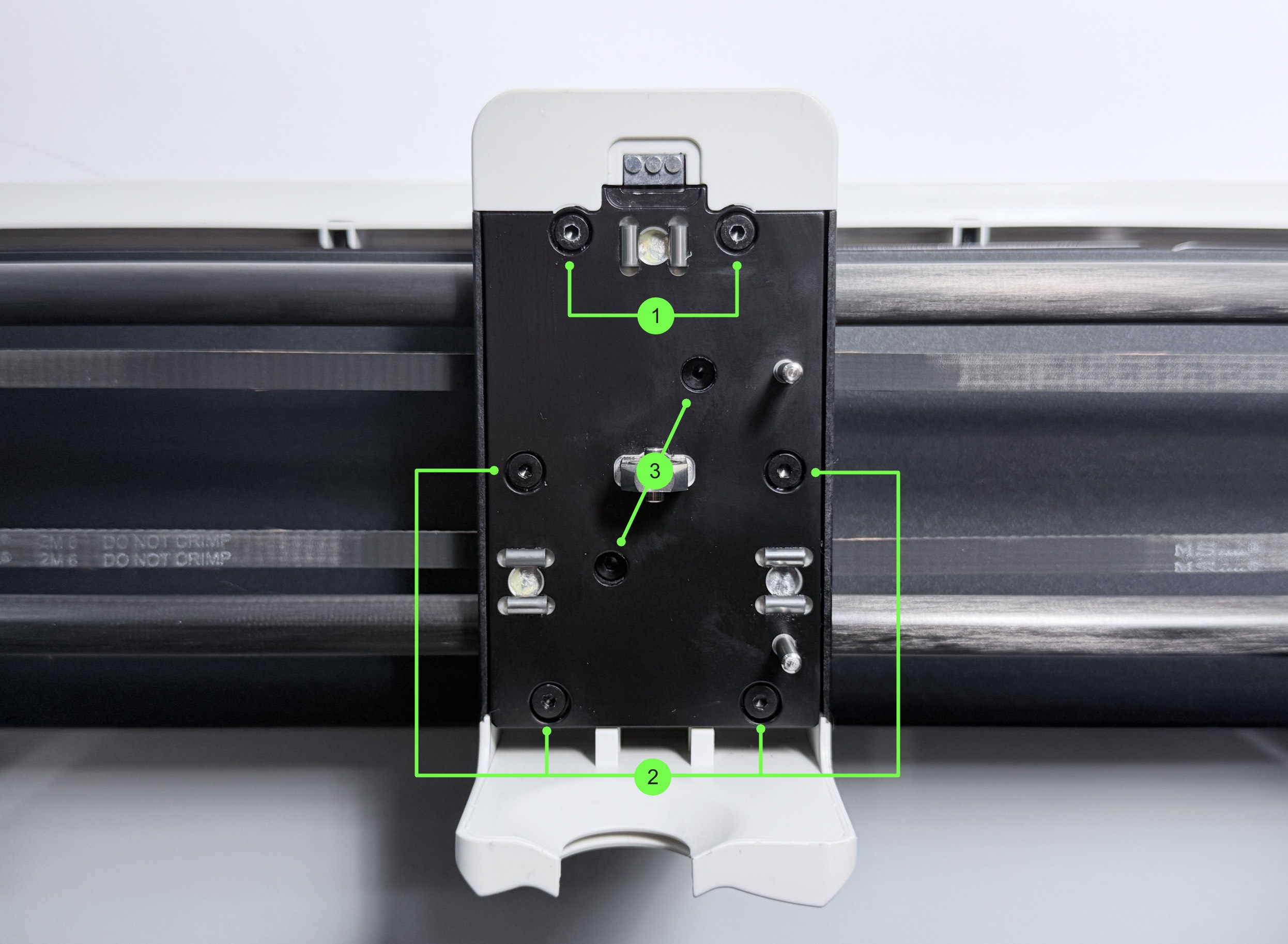
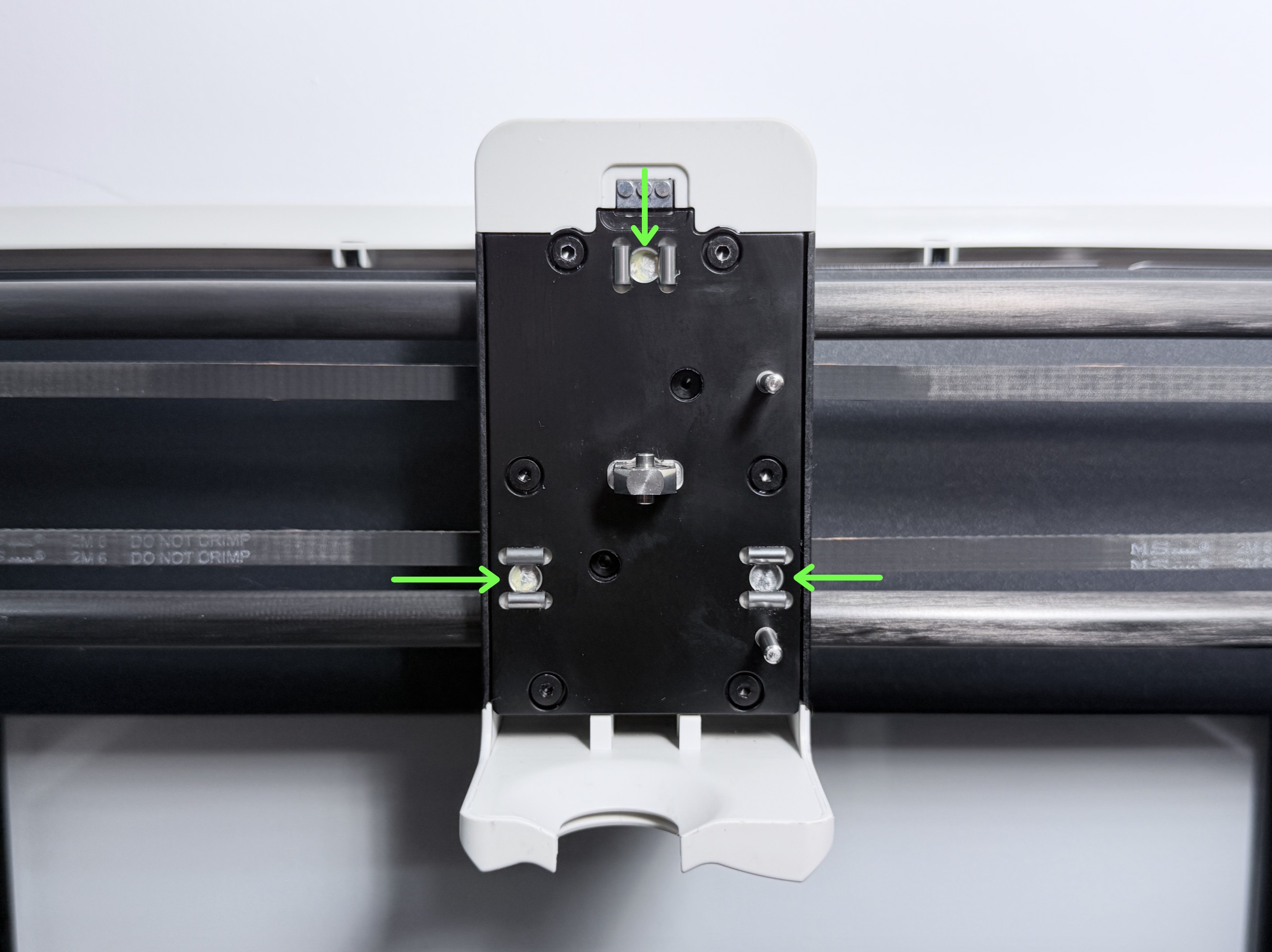
1. Pogo Pin & Solid Pin Contamination
The lint-free cloth must be wrapped around your fingers and must not hang loose, to avoid contact with the grease on the steel balls.
2. Pogo Pin Stuck
Each Pogo Pin has three pins. Check them one by one.
3. Insufficient Pogo Pin Compression Travel (I have access to a caliper)
If the measured value exceeds the reference range, please contact technical support.
Remove toolhead top cover: 0:09—1:22
Remove part cooling fan cover: 0:20—0:40
3. Insufficient Pogo Pin Compression Travel (I do not have access to a caliper)
¶ 👨🏼💻 Remote Assistance
If your machine does not match any of the above situations, please provide the information below and contact technical support.
1. Order Number
- Purchased from Kickstarter: Please provide your Backer Number
- Purchased from the official website: Please provide the order number starting with "SM"
- Purchased from a distributor: Please provide the distributor name and order number
- Purchased from Tmall/JD flagship store: Please provide the store order number
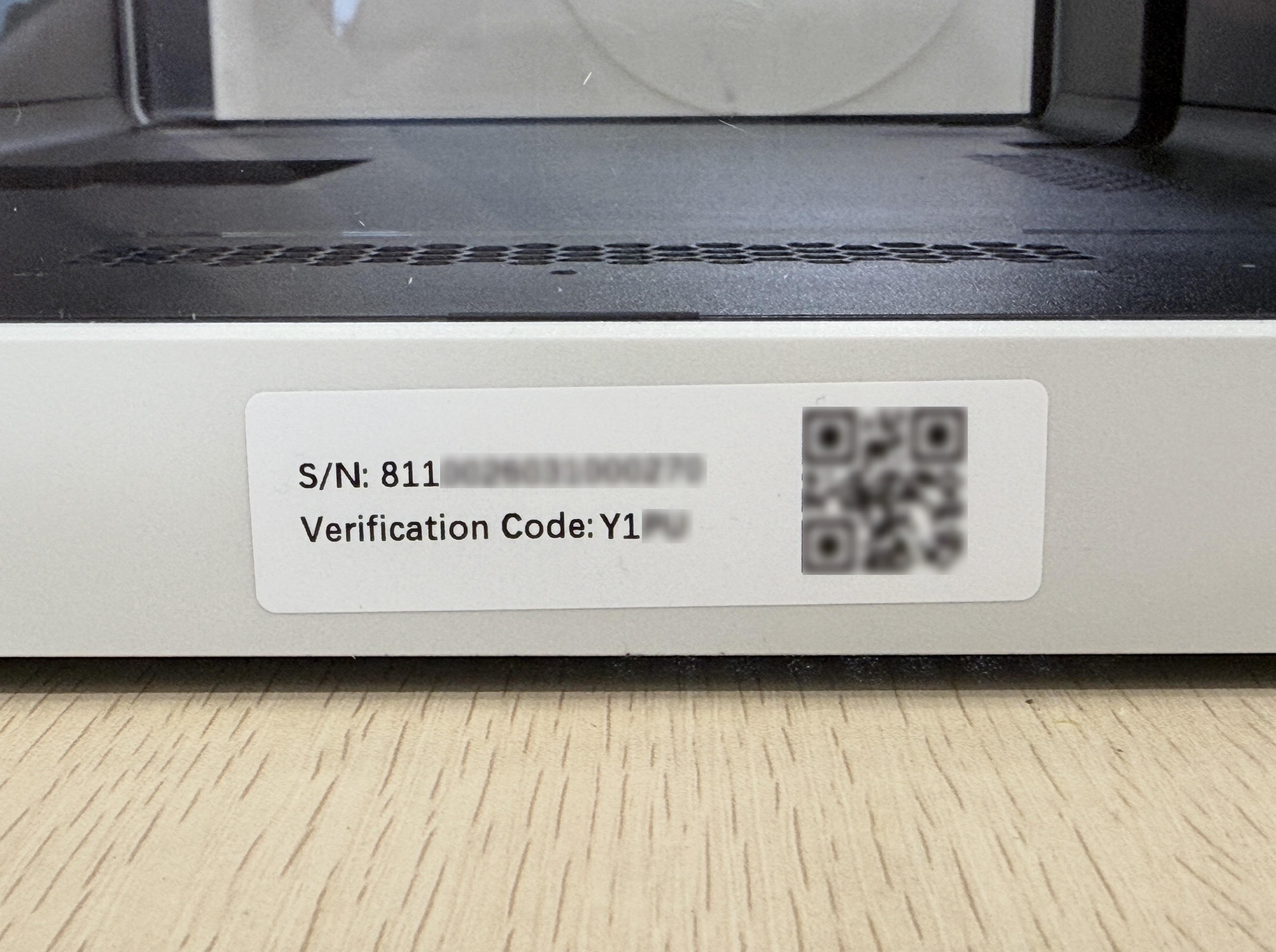
2. Machine Serial Number
Located at the bottom of the machine's back panel. Please provide both the S/N and Verification Code.
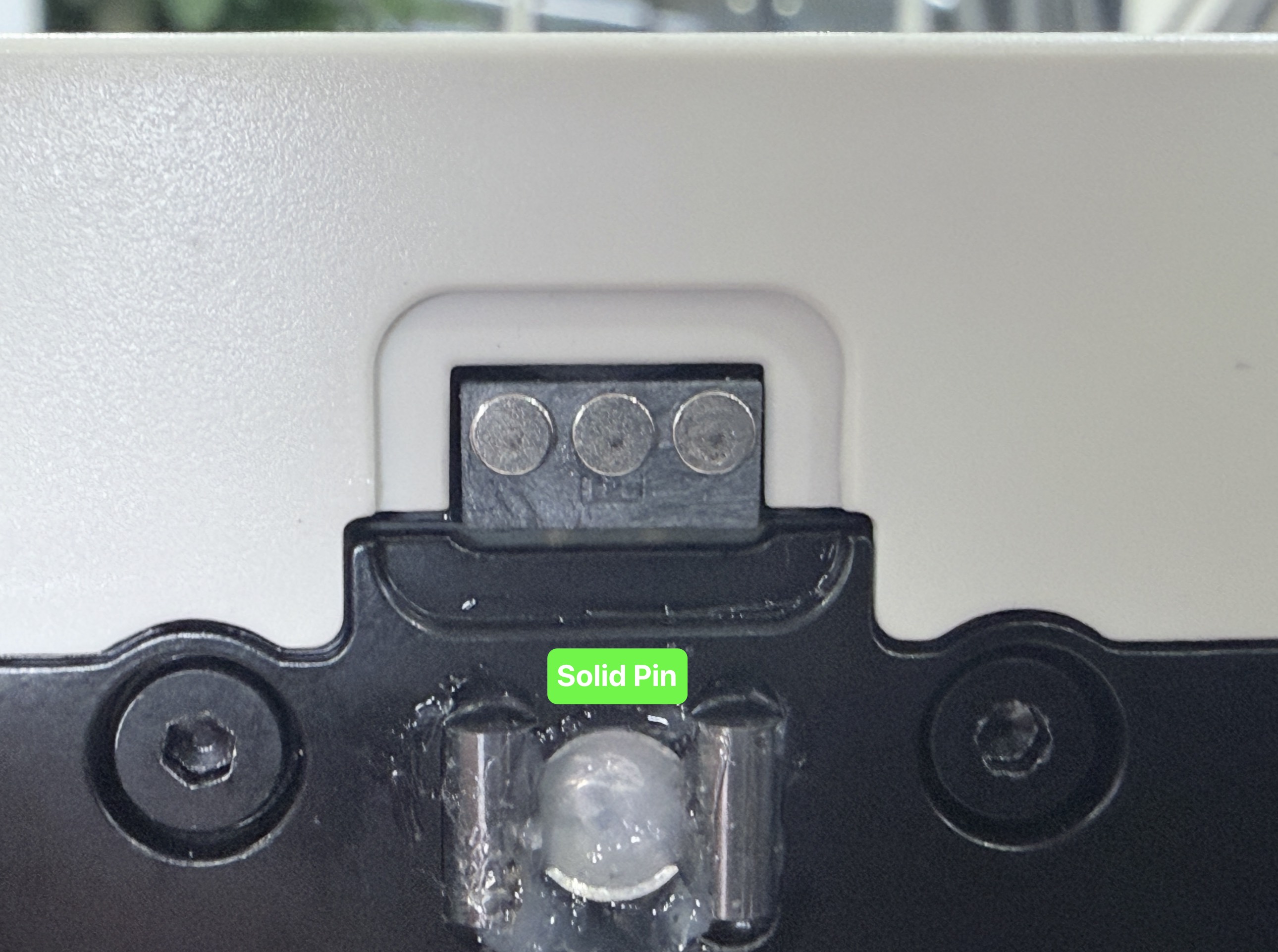
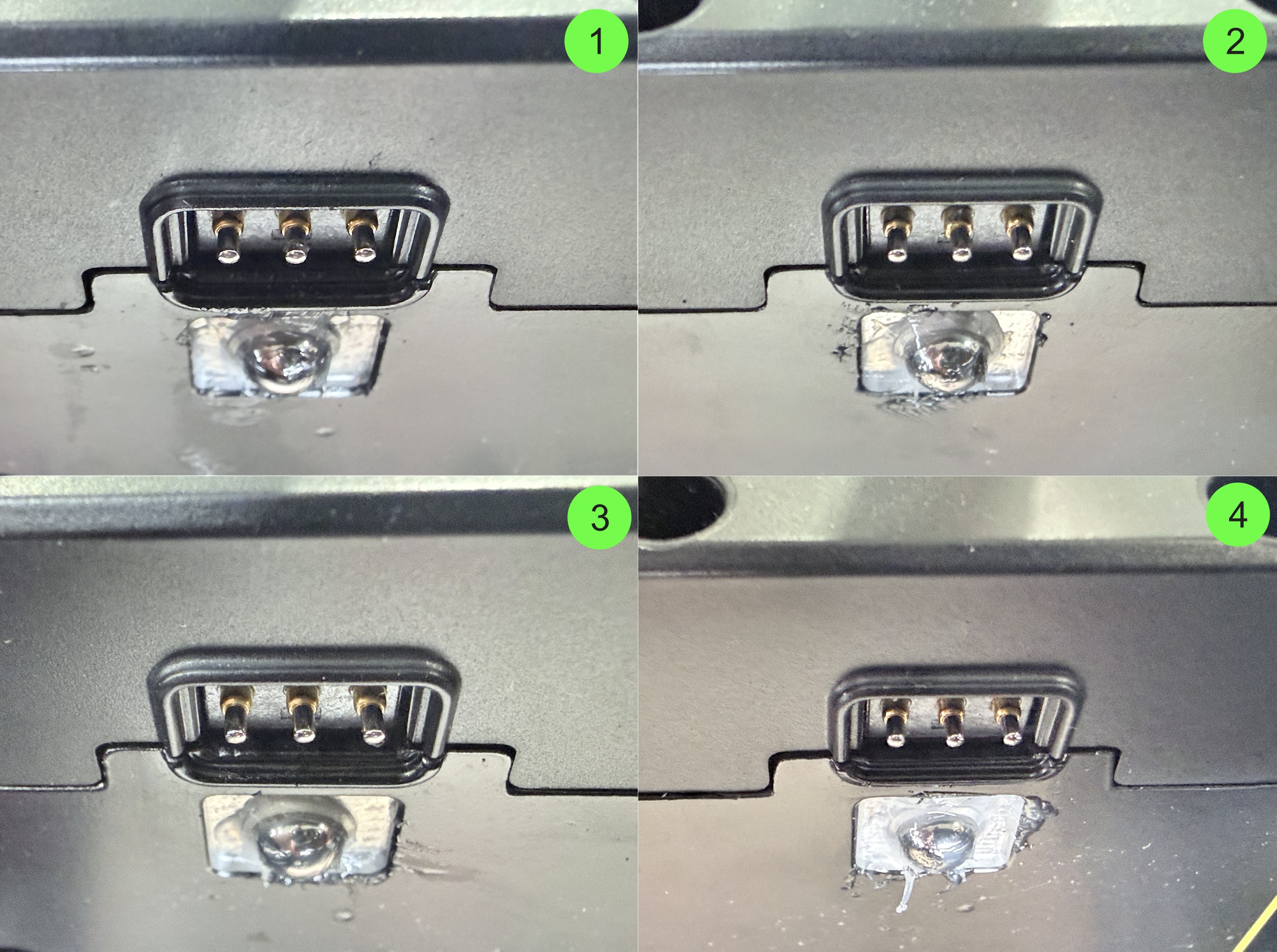
3. Pogo Pin & Solid Pin Photos
Clear photos will help speed up the resolution of your issue. It is recommended to provide photos following the examples below, and name them to indicate which toolhead each photo corresponds to:
4. Perform toolhead swap test
-
Download and Run Toolhead swap test gcode.
-
After the G-code has finished running, please tap the error code and record error count message.