¶ 💡 Compatibility
This guide applies to the following machine. Please note when referencing:
Machine model: U1
¶ 📝 Issue Description
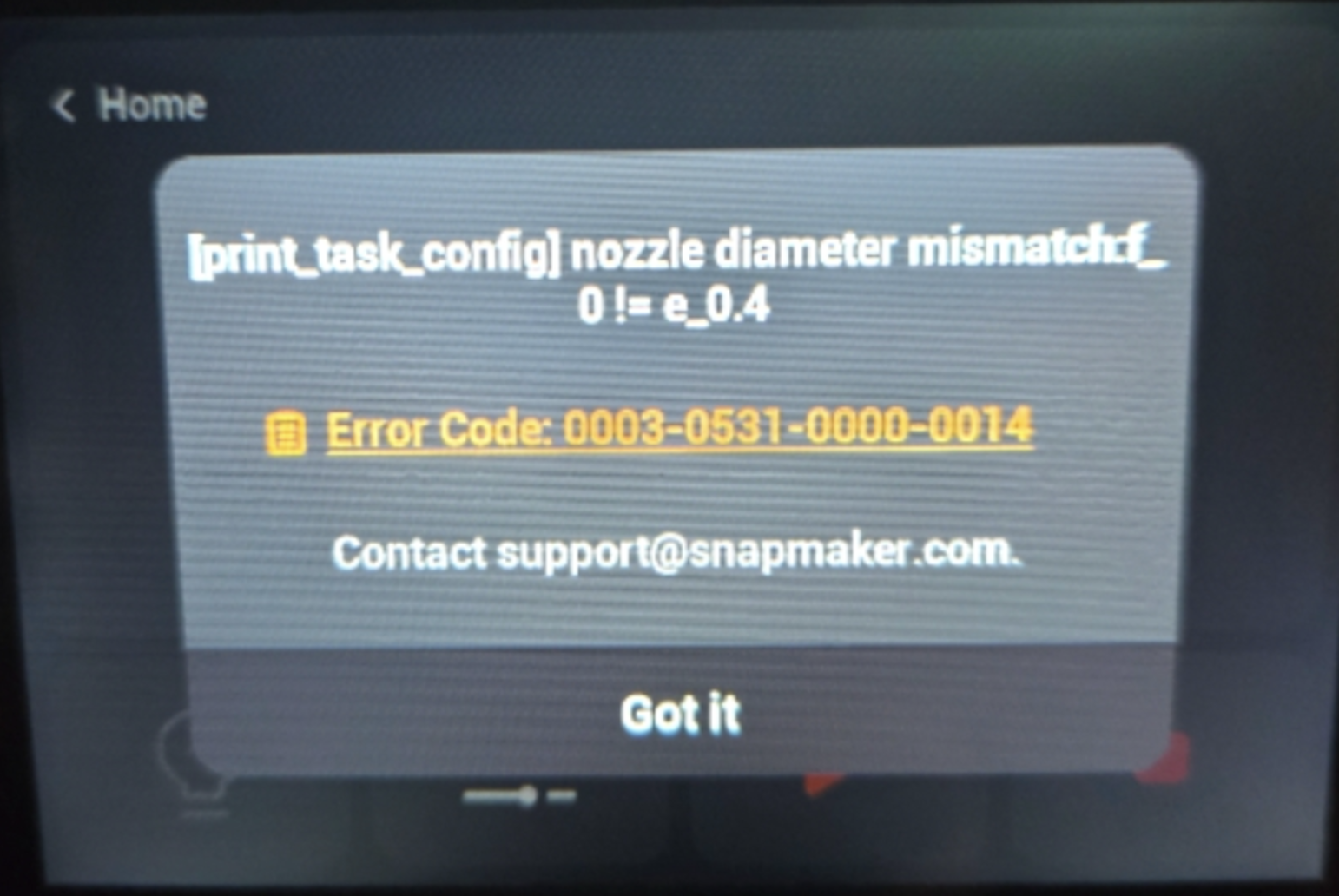
A Nozzle Diameter Mismatch error is displayed when printing a local G-code file.
¶ 🧩 Possible Causes
The G-code metadata was scanned using an earlier firmware version and may be incompatible with the current firmware.
¶ ✅ Solution
Press and hold the G-code file, then release it to trigger a metadata rescan.
Once the scan is complete, start the print again.
¶ 💬 Contact Support
If you encounter any issues during the process, please submit a support ticket.
Our dedicated support team will be more than willing to assist you in resolving the issue.