¶ Overview
¶ Location
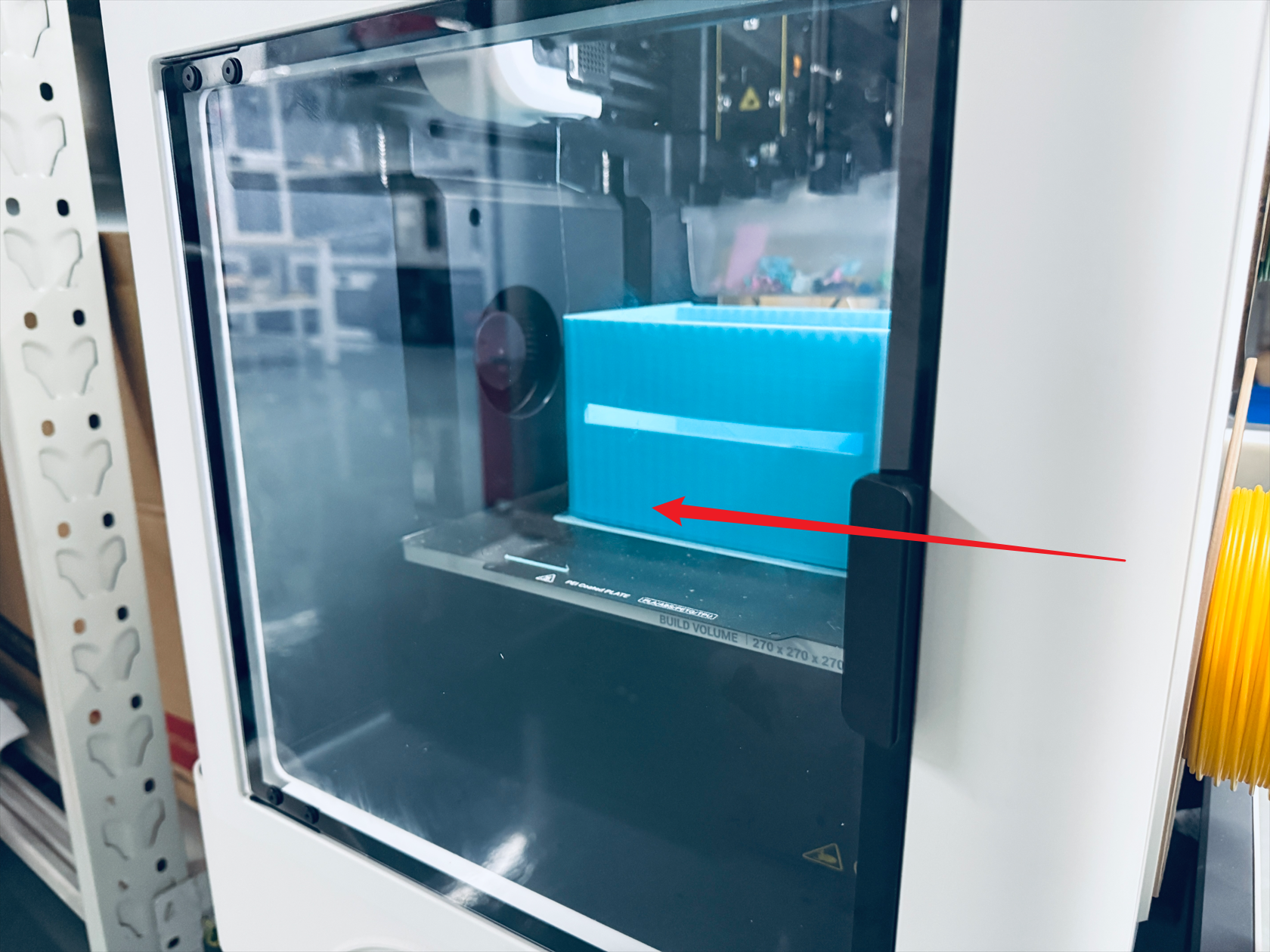
The glass door is fixed to the front panel of the machine. It can be replaced by unscrewing the 4 fixing screws.
¶ Complexity
Difficulty:★☆☆☆☆ (easy)
Estimated time:5mins
¶ Where to Buy
This accessory is expected to be available on the official Snapmaker online store soon. Please stay tuned.
¶ Tools and Parts Required
(1) H2.0 hex key
(2) New glass door
¶ Procedure
(1) Use the H2.0 hex key to unscrew the 4 fixing screws, then remove the old glass door.

(2) Install the new glass door, and attach the rubber gaskets at the position shown in the picture.
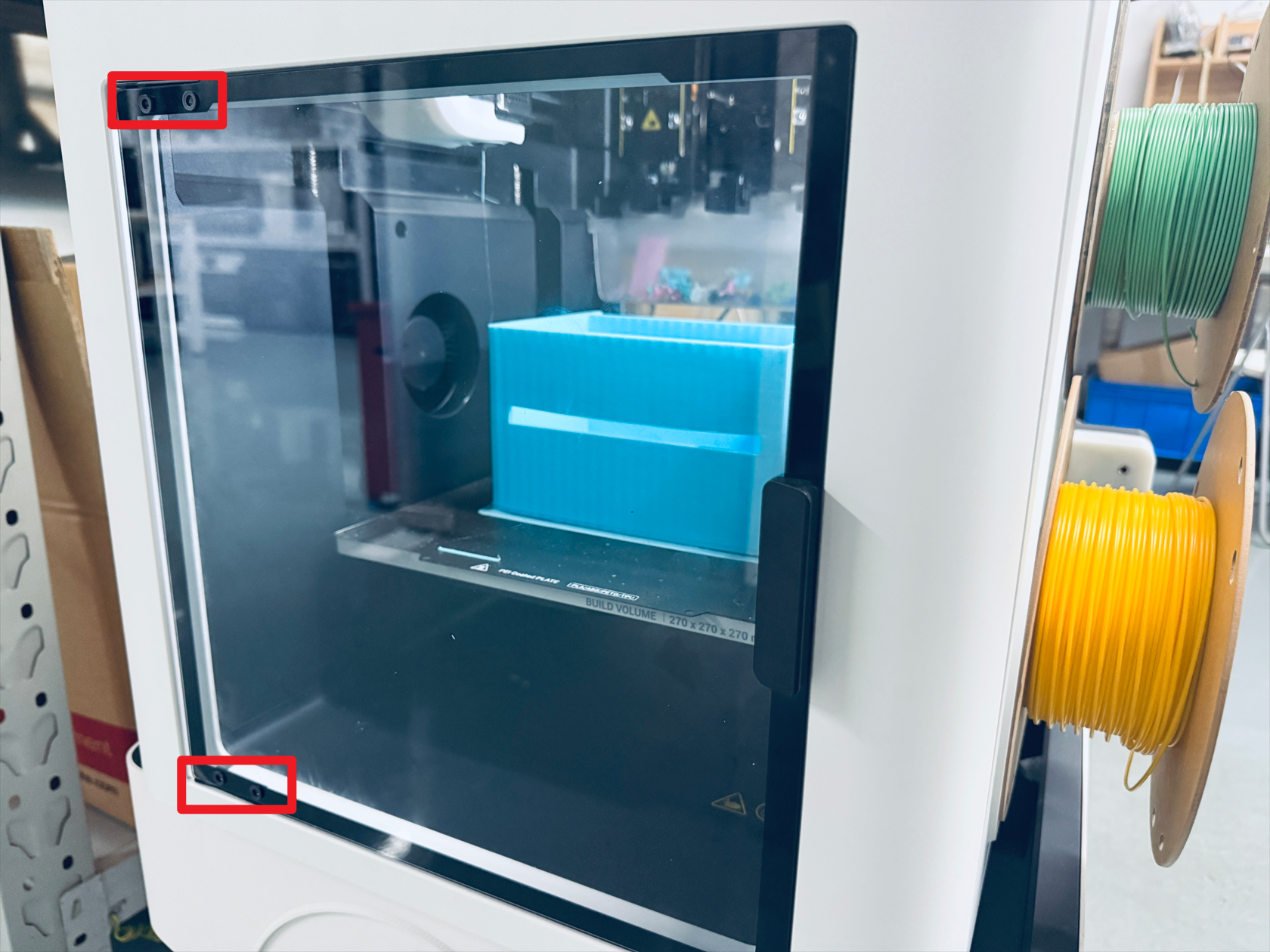
(3) Use the H2.0 hex key to tighten the 4 fixing screws.
¶ Reach out to Snapmaker Support
Should you experience any difficulties while following the replacement instructions above, or if you have any suggestions to share, we warmly invite you to submit a ticket at: https://snapmaker.formcrafts.com/u1-troubleshooting-request
Our dedicated support team will be more than willing to assist you in resolving the issue.