-
Insert a USB drive into the machine.
-
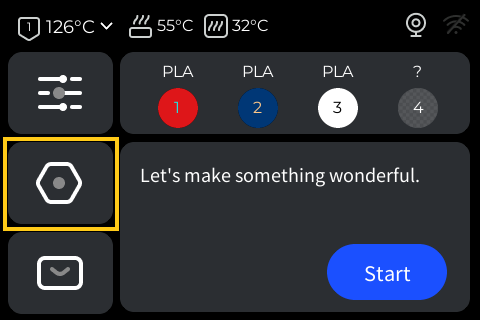
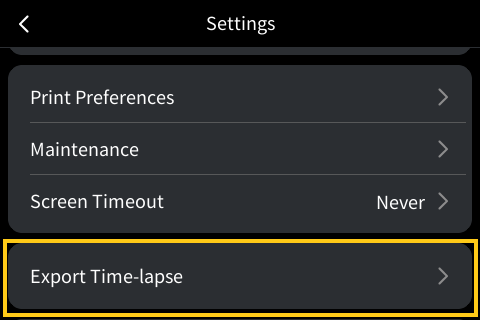
On the home screen, navigate to Settings and tap
Export Time-lapse.
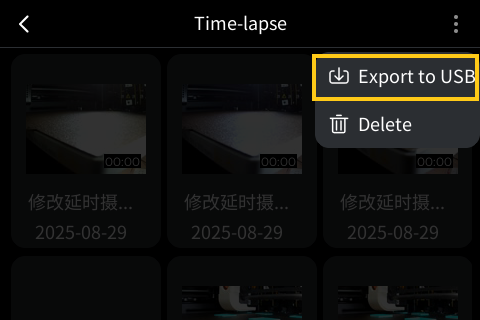
- Select the file(s) to export and tap
Export to USB.
- On the Device screen, navigate to Settings and select
Time-lapse Videos.
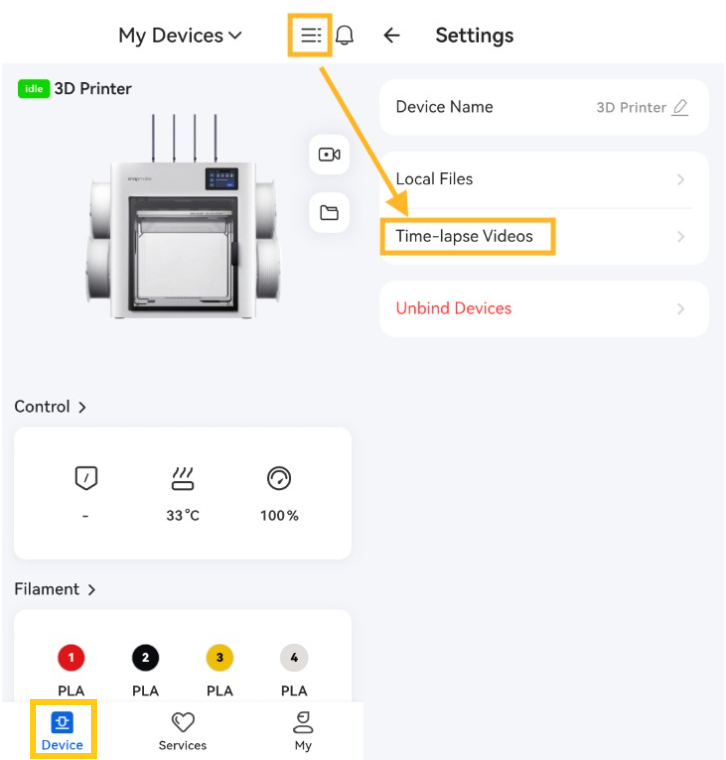
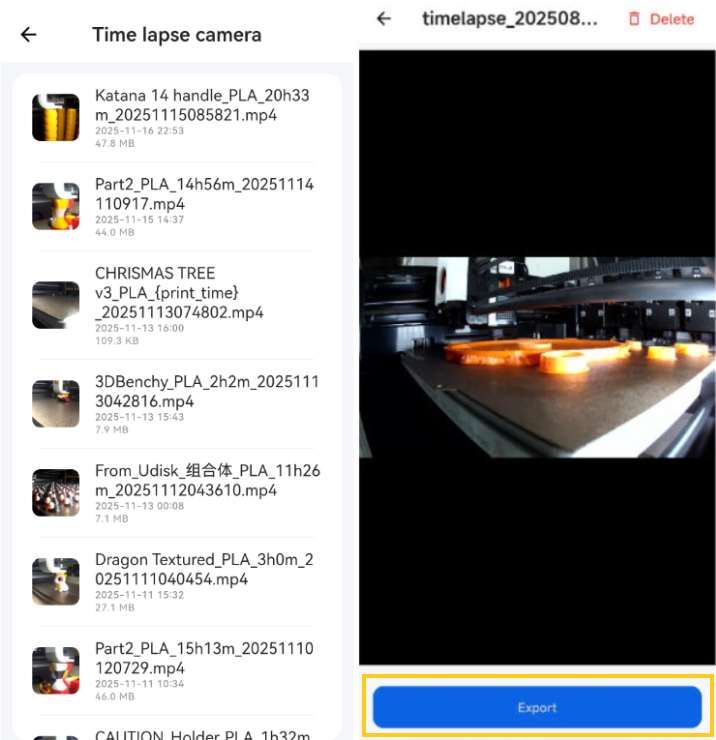
- Select the file(s) to export and tap
Export, then find the corresponding video file in the phone's photo album.
Fluidd is a tool that allows you to operate and control 3D printers running Klipper firmware via a web browser.
Before you start: Ensure your device (computer, phone, tablet) and printer are connected to the same network.
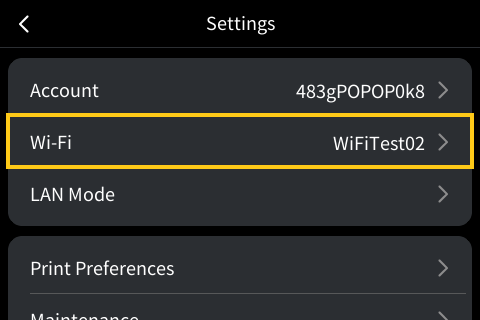
- On the home screen, navigate to Settings, select
Wi-Fi, and then check the printer's IP address.
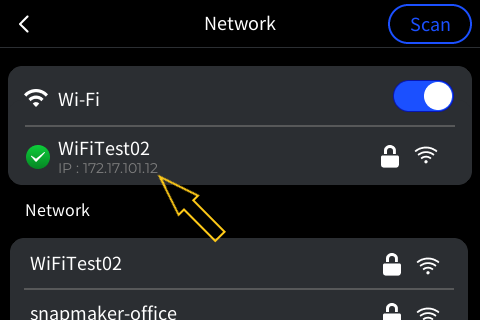
- Enter the printer's IP address in your device's browser to access the printer.
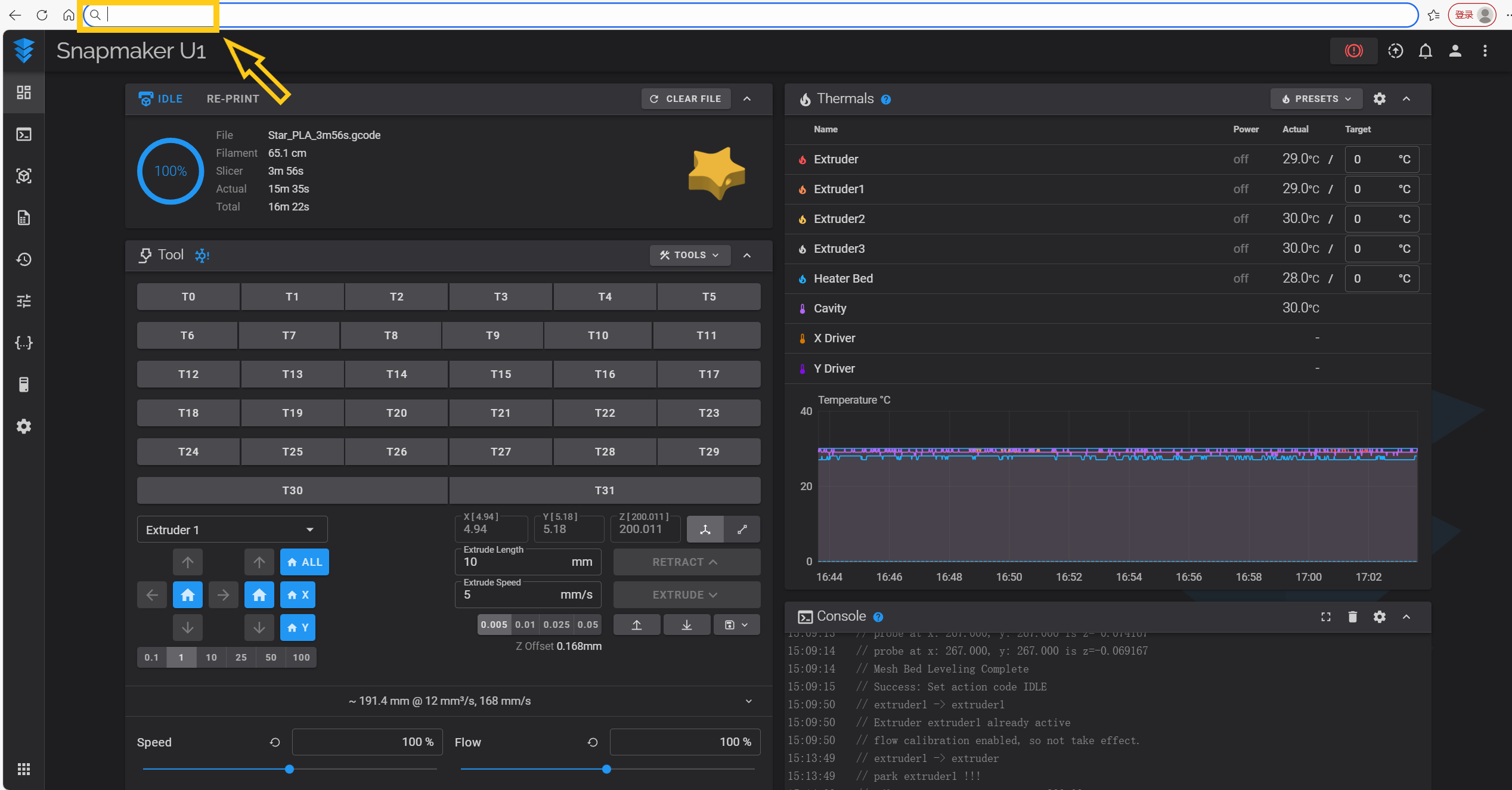
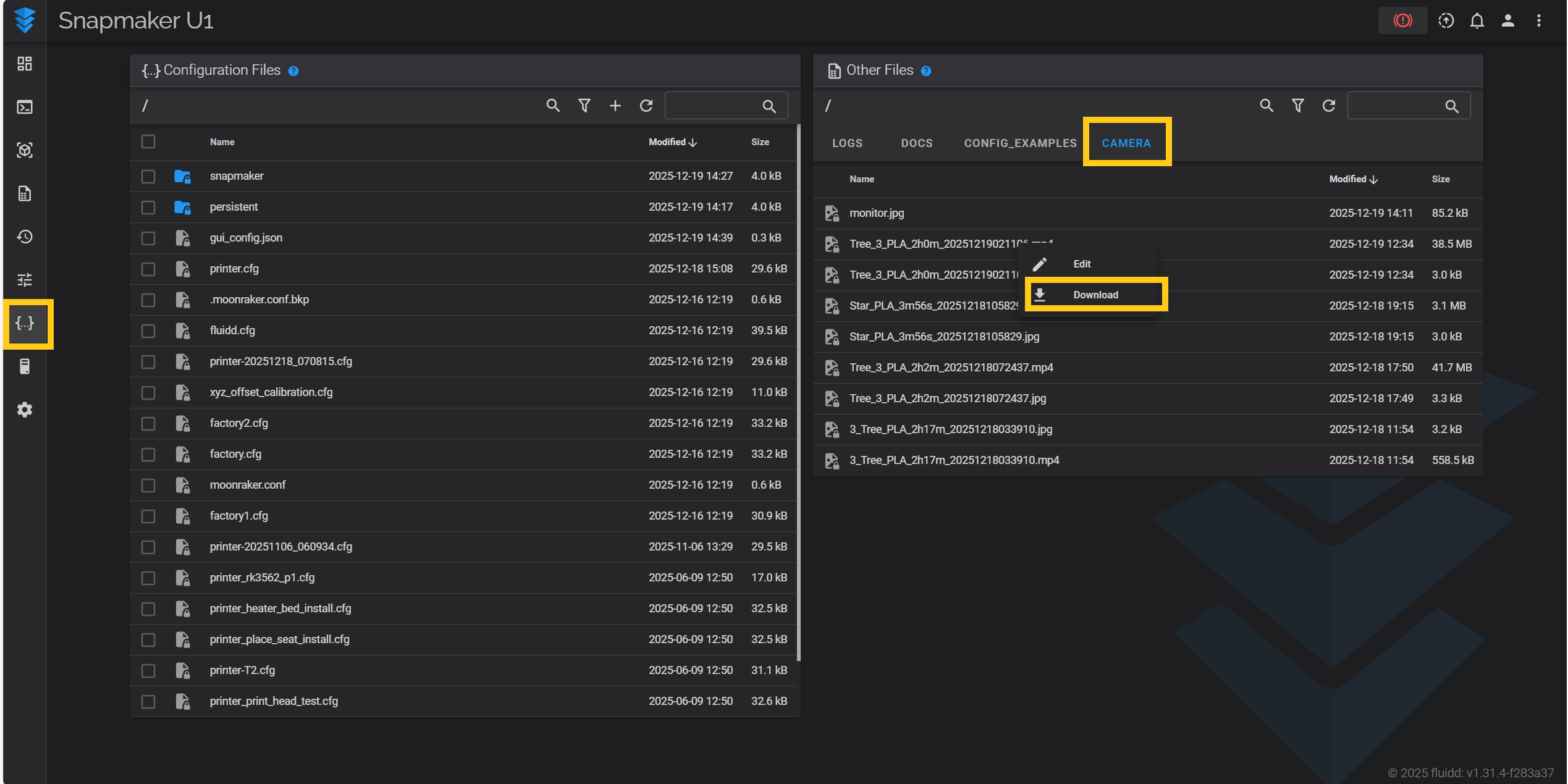
- Click
ConfigurationthenCAMERA, select the file to export and clickDownload.