¶ 💡 Compatibility
This guide applies to the following machine and software. Please note when referencing:
- Recommended model: Snapmaker U1
- Software Version: Latest version of firmware and Snapmaker Orca (V2.3.3 or later)
¶ 📌 Applicable Scenarios
When importing a 3MF file generated by other software into Snapmaker Orca, U1 may not be able to directly slice and print the file due to configuration differences.
U1 Converter can convert these 3MF files into a version compatible with U1.
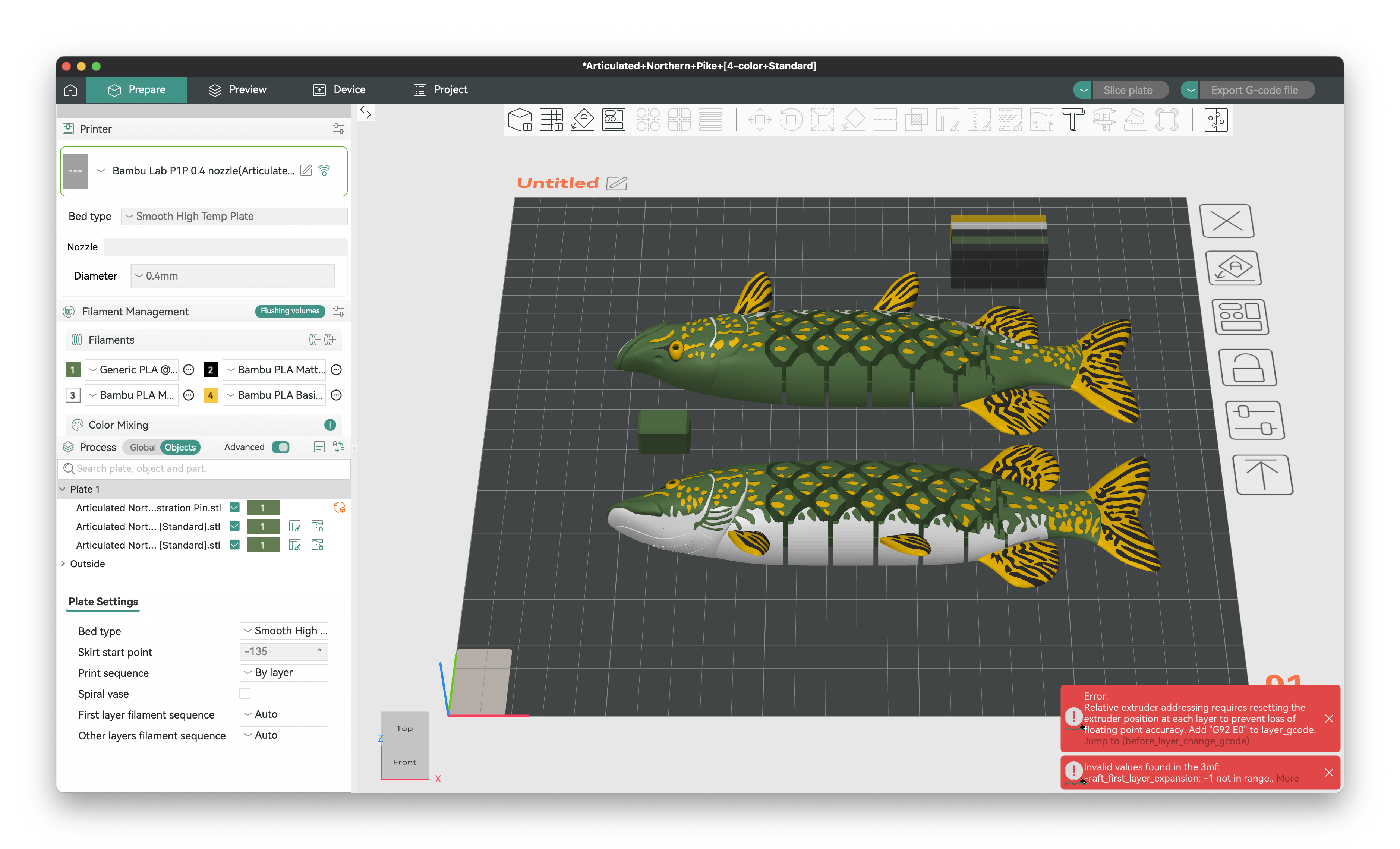
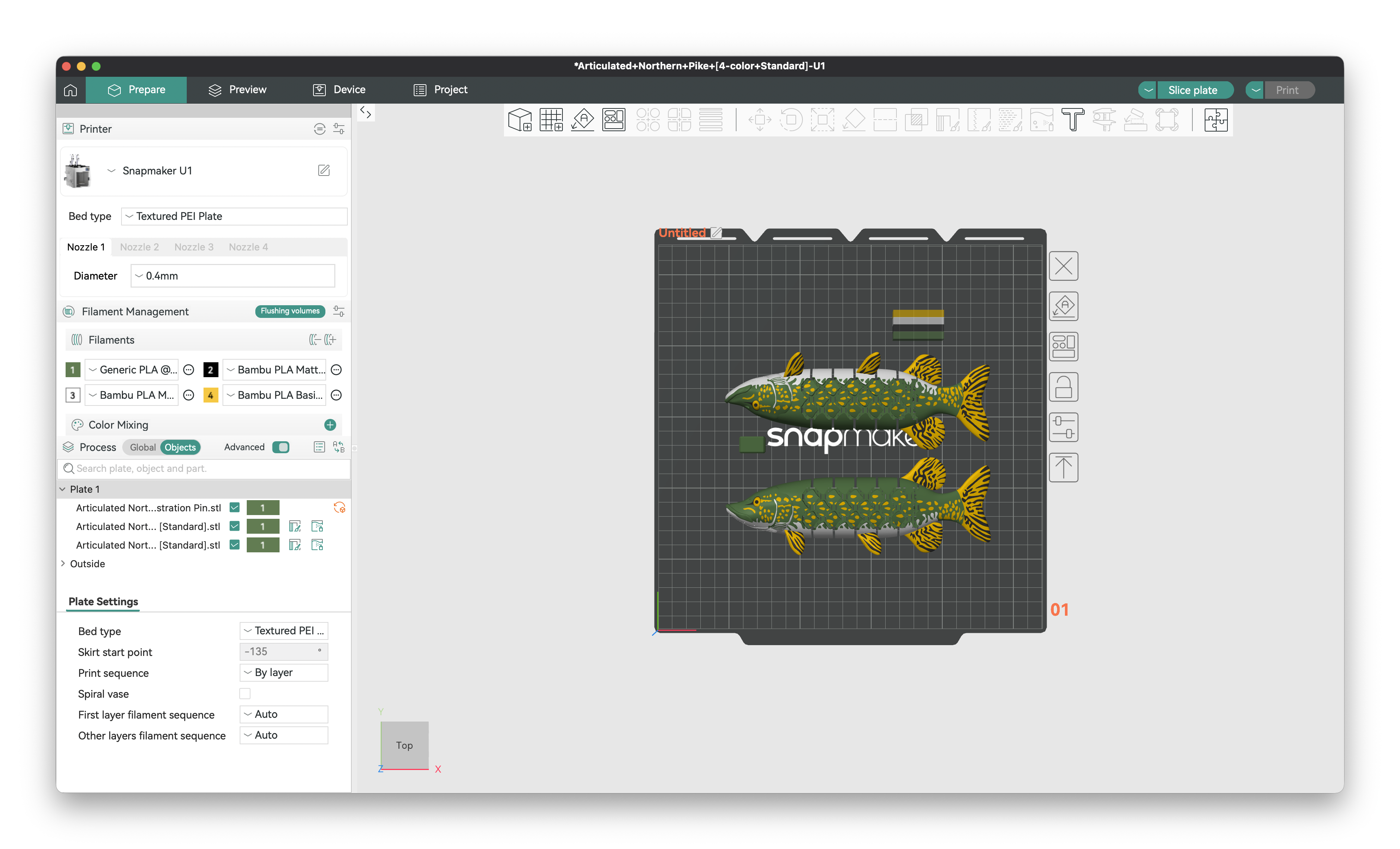
¶ ▶️ How to Use
-
Open
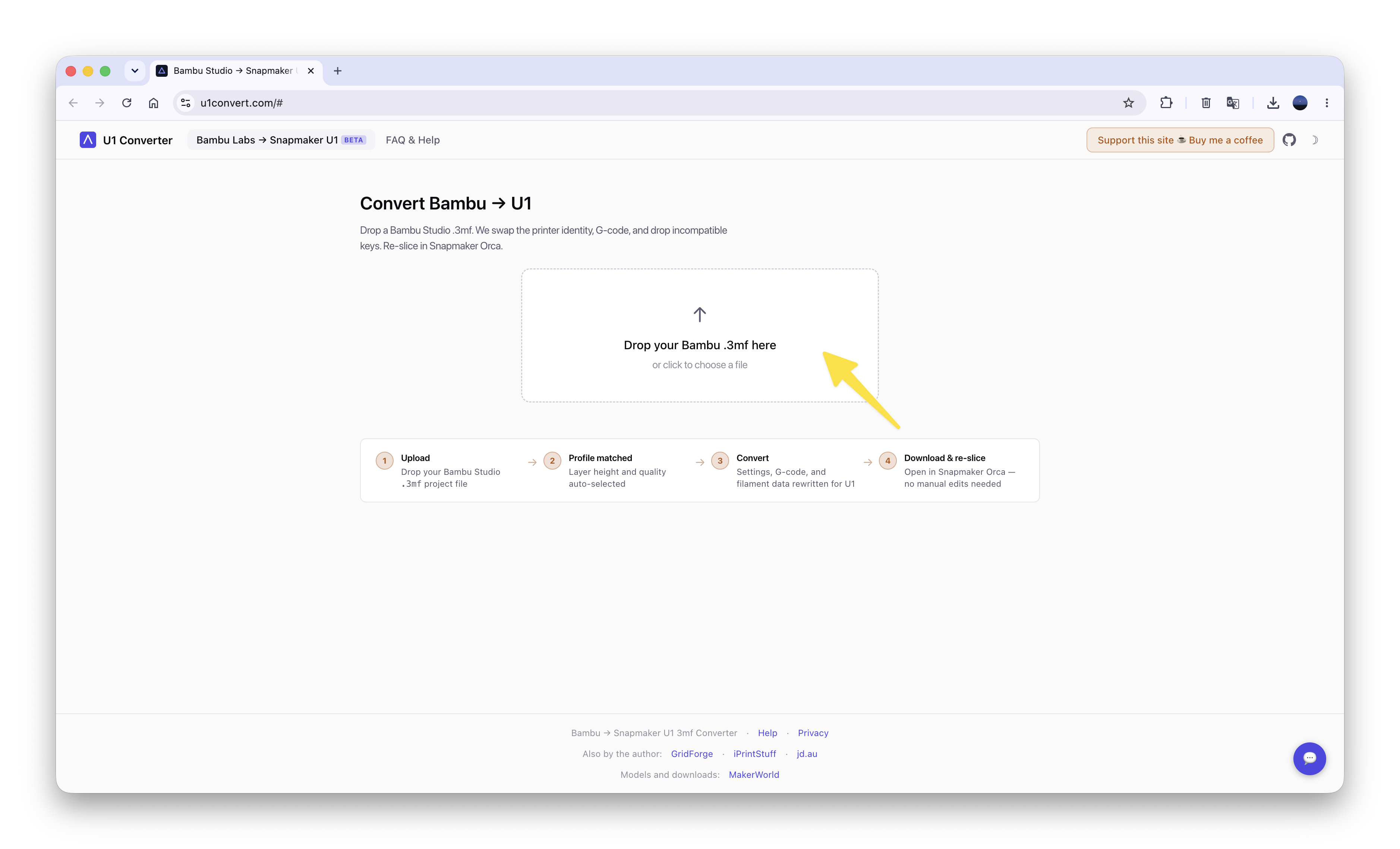
https://u1convert.com/#in your browser to access U1 Converter. -
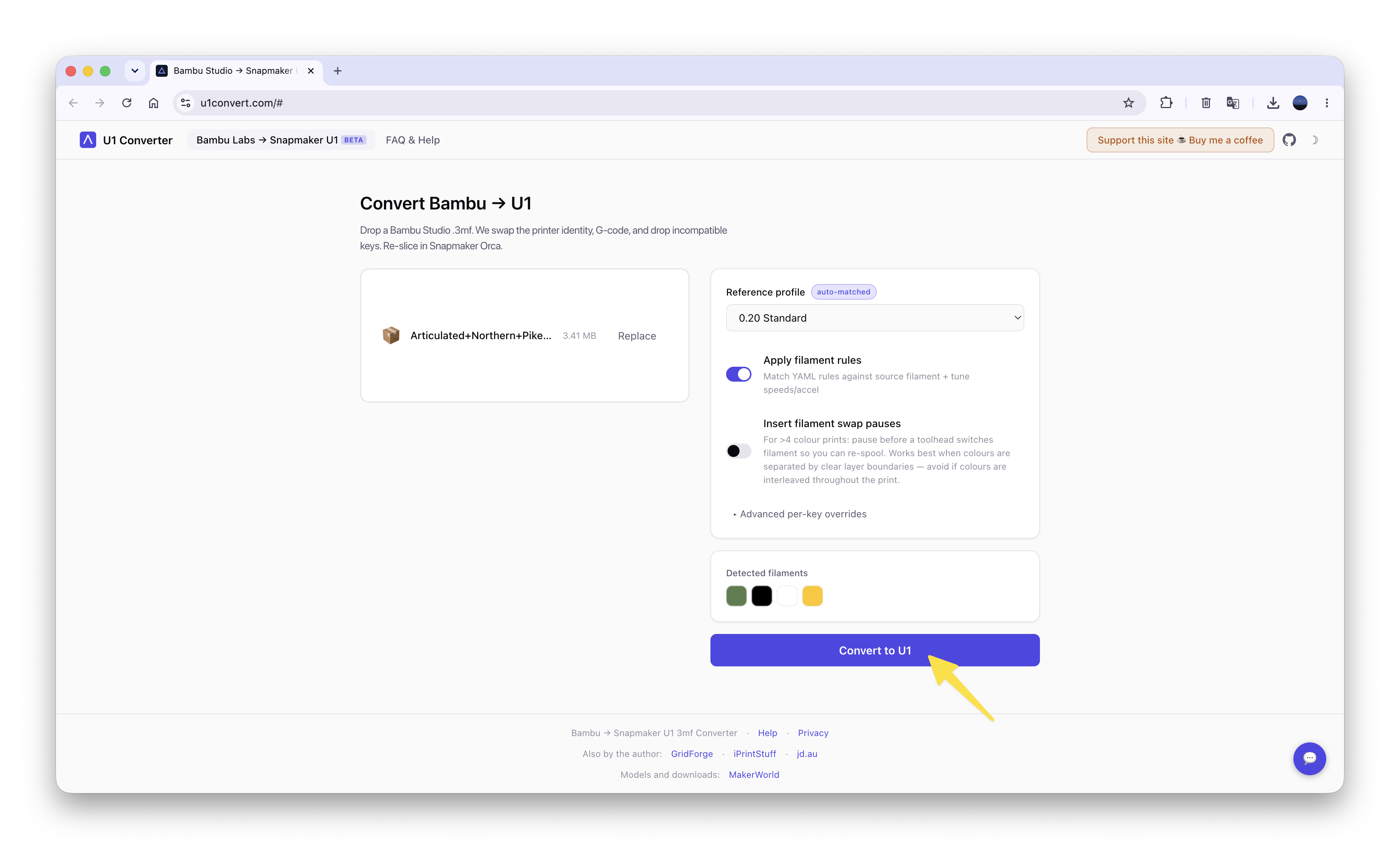
Upload the 3MF file you want to convert.
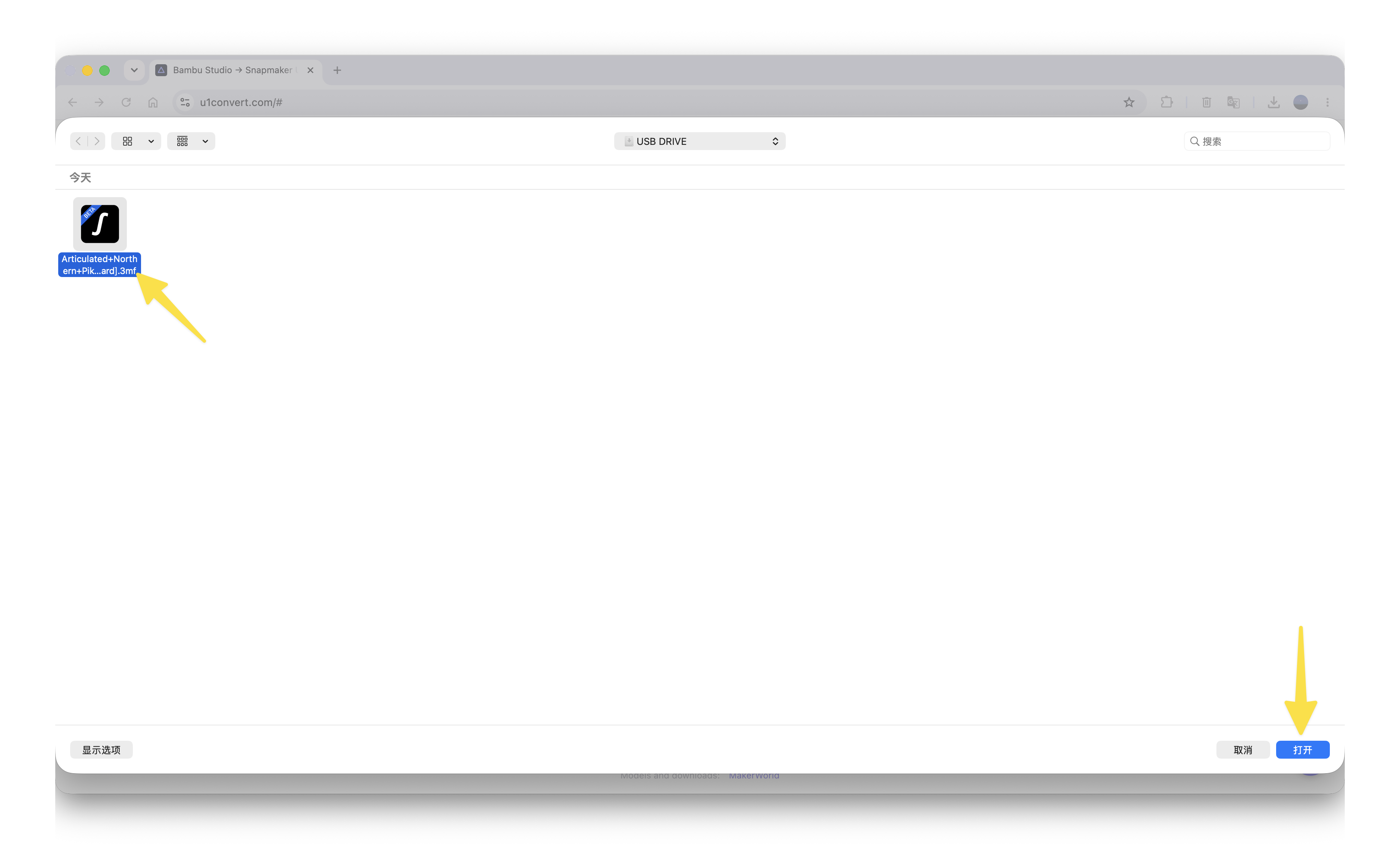
- Click Convert to U1.
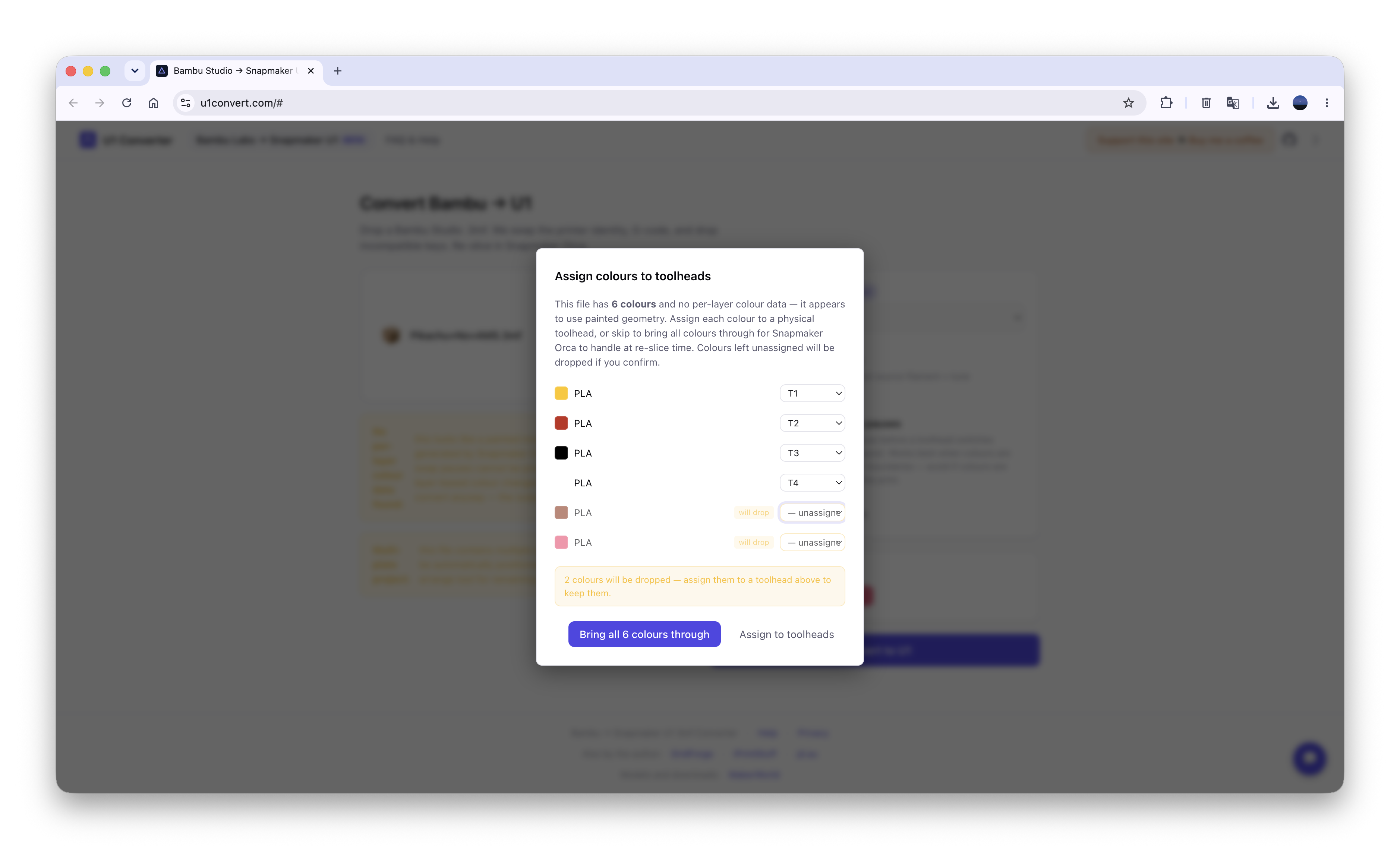
If the 3MF file contains more than 4 filaments, you can choose one of the following options at this step:
(1) Reassign the extra filaments to toolheads. For example, assign the brown and pink filaments shown in the image to T1, then click Assign to toolheads.
The brown and pink parts of the model will be replaced with yellow, and the corresponding brown and pink filaments in the 3MF file will be removed.
(2) Click Bring all 6 colours through to keep the model colors and filament information unchanged.
Please note that under the standard workflow, U1 supports a maximum of 4 filaments within the same plate.
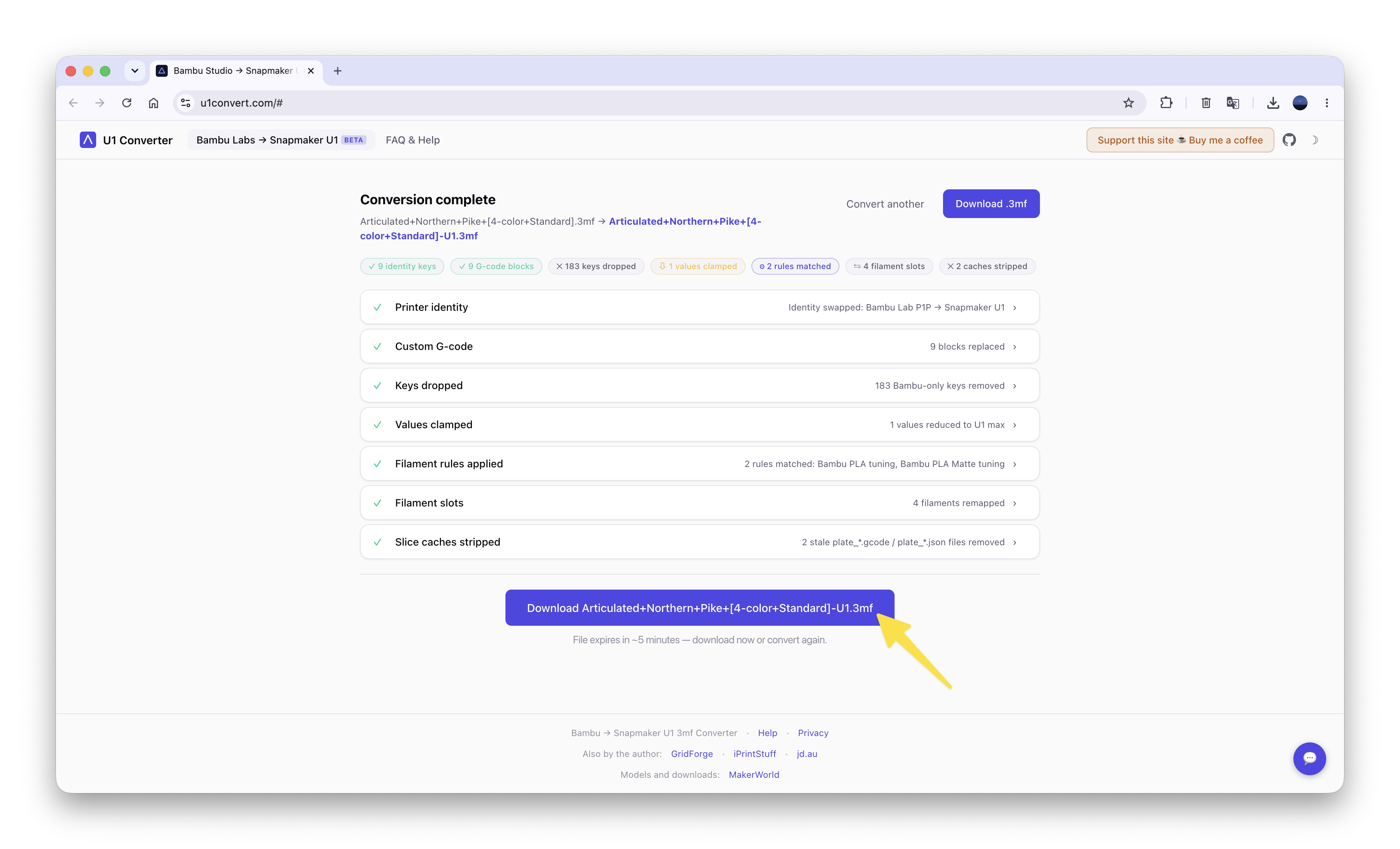
- Click the download button at the bottom to download the converted file.
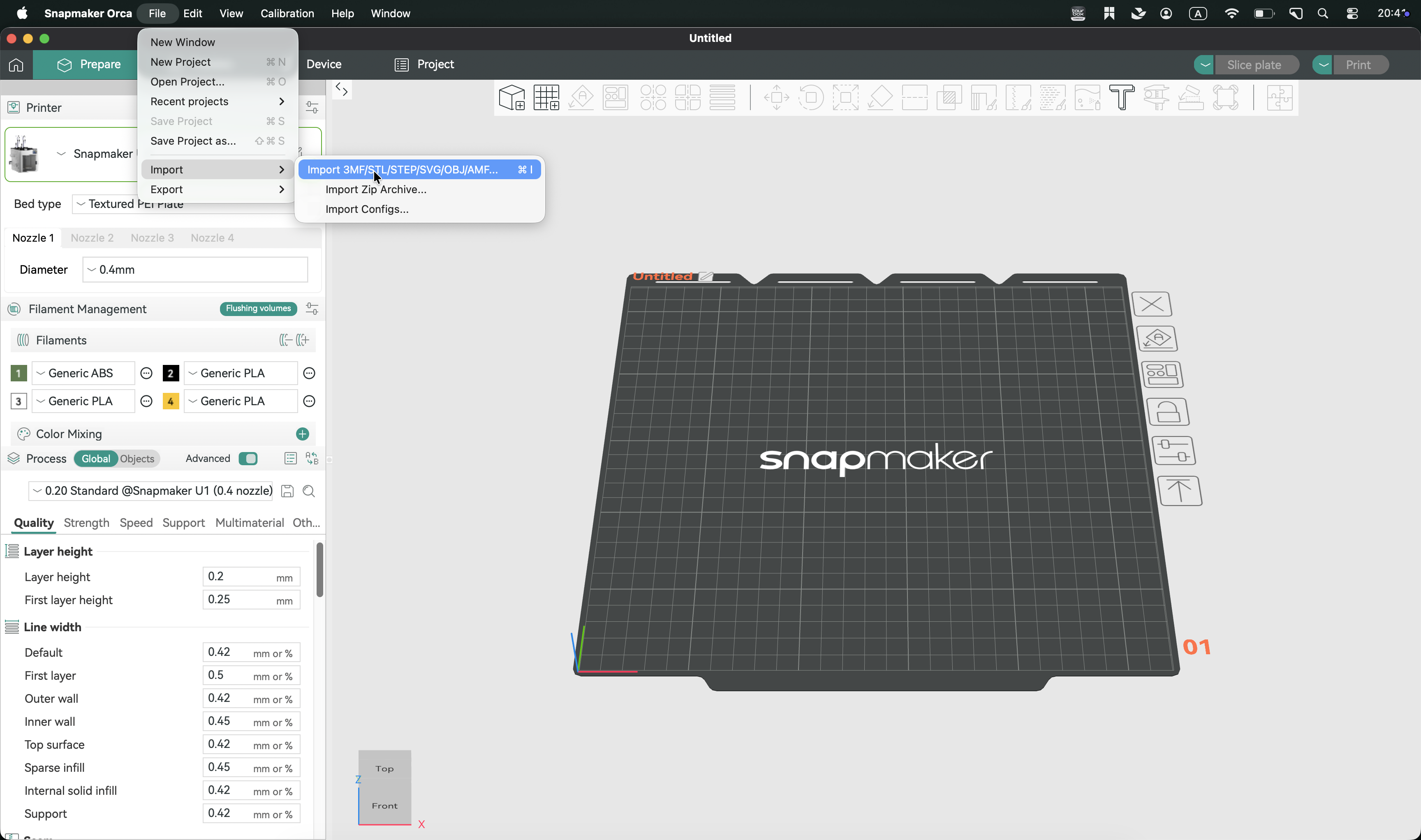
- Import the converted 3MF file into Snapmaker Orca, slice it, and start printing.
¶ 🙏 Acknowledgements
This guide includes tools and solutions contributed by members of the open-source community.@thadius83 @David Phillips
We would like to thank all developers and contributors who have shared their work, ideas, and improvements with the community. Their contributions help users better understand, maintain, and optimize their 3D printing experience.
All referenced open-source tools remain the property of their respective authors and are provided according to their original licenses.
Thank you to the open-source community for continuously sharing knowledge and improving the ecosystem.